Computers capable of running Stable Video Diffusion 1.1
What PC do you need to run Stable Video Diffusion 1.1? 20 GB VRAM at Q4 (20 GB FP16) — see the exact AI workstations that host Stable Video Diffusion 1.1 locally, from $1,799.
AI workstations that I can host Stable Video Diffusion 1.1
Frequently asked
What PC do I need to run "Stable Video Diffusion 1.1"?
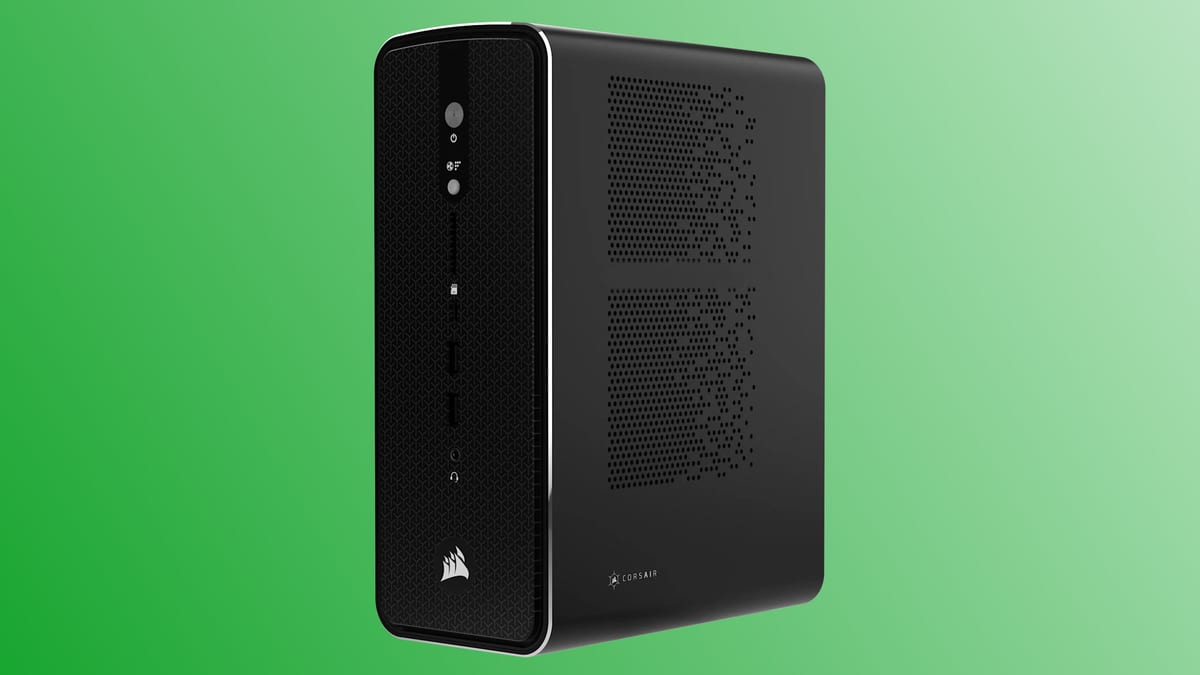
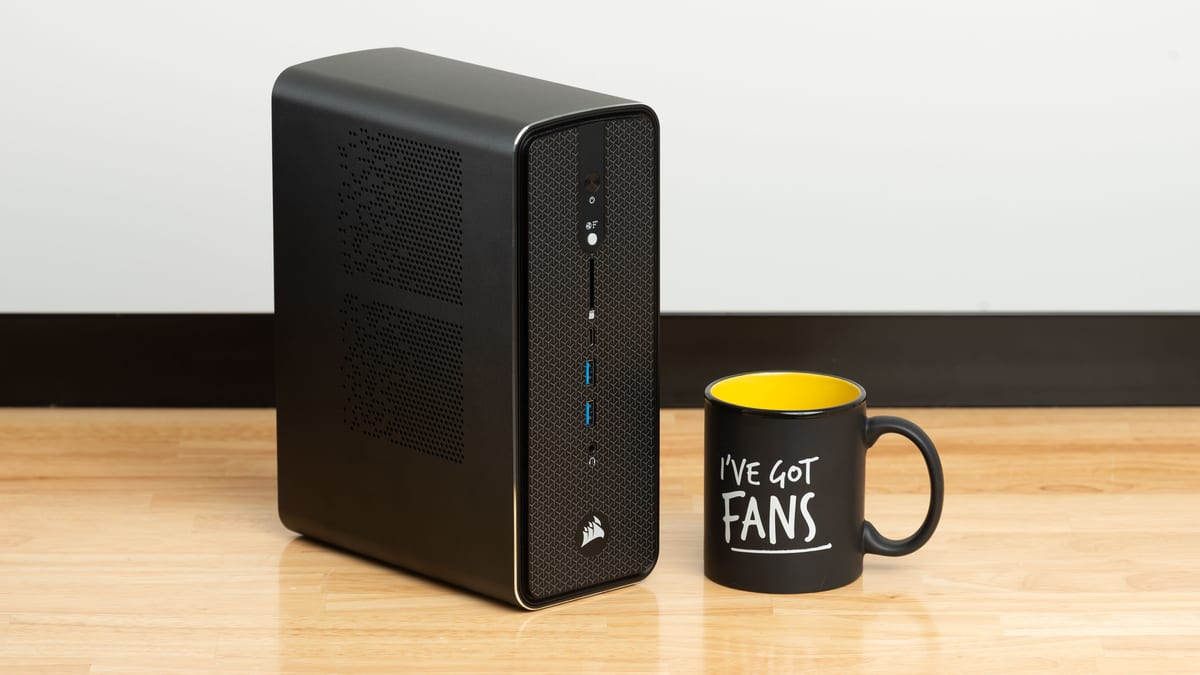
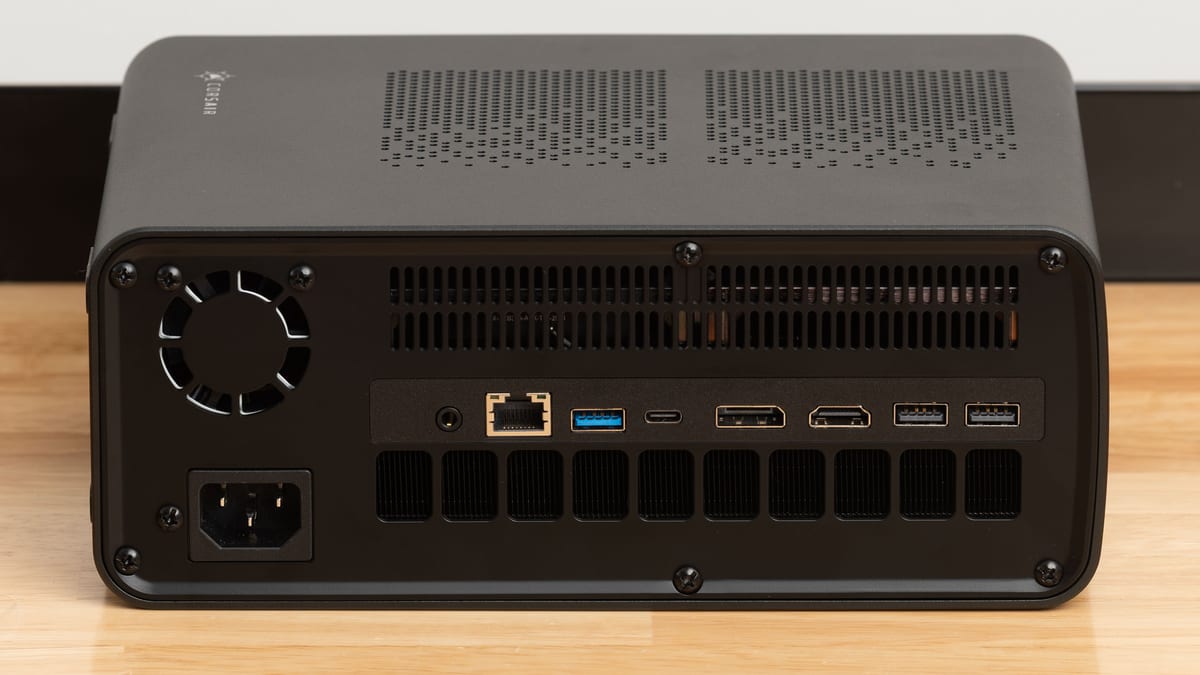
At Q4 quantization Stable Video Diffusion 1.1 needs about 20 GB of VRAM — the cheapest match in our catalog is the Corsair AI Workstation 100 (48 GB, $1,799). At Q8 plan for 20 GB, at FP16 20 GB.
How much VRAM does "Stable Video Diffusion 1.1" need?
Stable Video Diffusion 1.1 requires roughly 20 GB at Q4 (recommended for local use), 20 GB at Q8 and 20 GB at FP16, including KV-cache headroom.
Can I run "Stable Video Diffusion 1.1" locally on my own computer?
Yes — with the right hardware. Any workstation with at least 20 GB VRAM runs Stable Video Diffusion 1.1 locally, such as the Corsair AI Workstation 100. No cloud, no per-token bills.
Which GPU runs "Stable Video Diffusion 1.1"?
The Radeon 8050S in the Corsair AI Workstation 100 (48 GB total) is the entry point; larger multi-GPU builds scale to 20–20 GB for Q8/FP16.
Cheap computer for Stable Video Diffusion 1.1
The most affordable way to host Stable Video Diffusion 1.1: a 20 GB-VRAM workstation — from $1,799 (Corsair AI Workstation 100), which typically pays for itself vs. $1–4/hr cloud GPUs.
Stable Video Diffusion 1.1 fine-tuning machine
Fine-tuning Stable Video Diffusion 1.1 needs the FP16 size — about 20 GB of VRAM (fits: Corsair AI Workstation 100, Corsair AI Workstation 200).