Computers capable of running Llama-3.2-1B-Instruct
What PC do you need to run Llama-3.2-1B-Instruct? 2 GB VRAM at Q4 (4 GB FP16) — see the exact AI workstations that host Llama-3.2-1B-Instruct locally, from $1,799.
AI workstations that I can host Llama-3.2-1B-Instruct
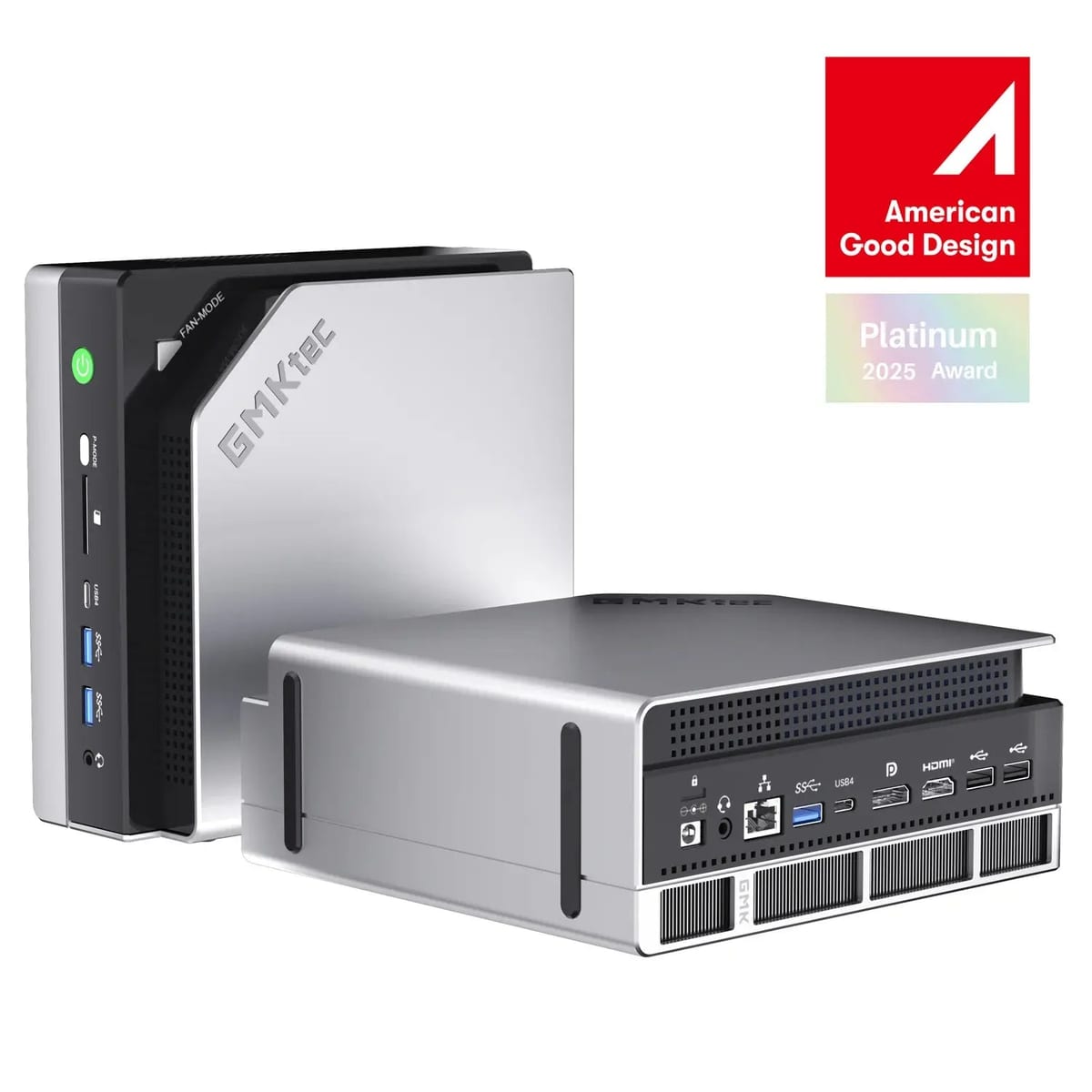
Frequently asked
What PC do I need to run "Llama-3.2-1B-Instruct"?
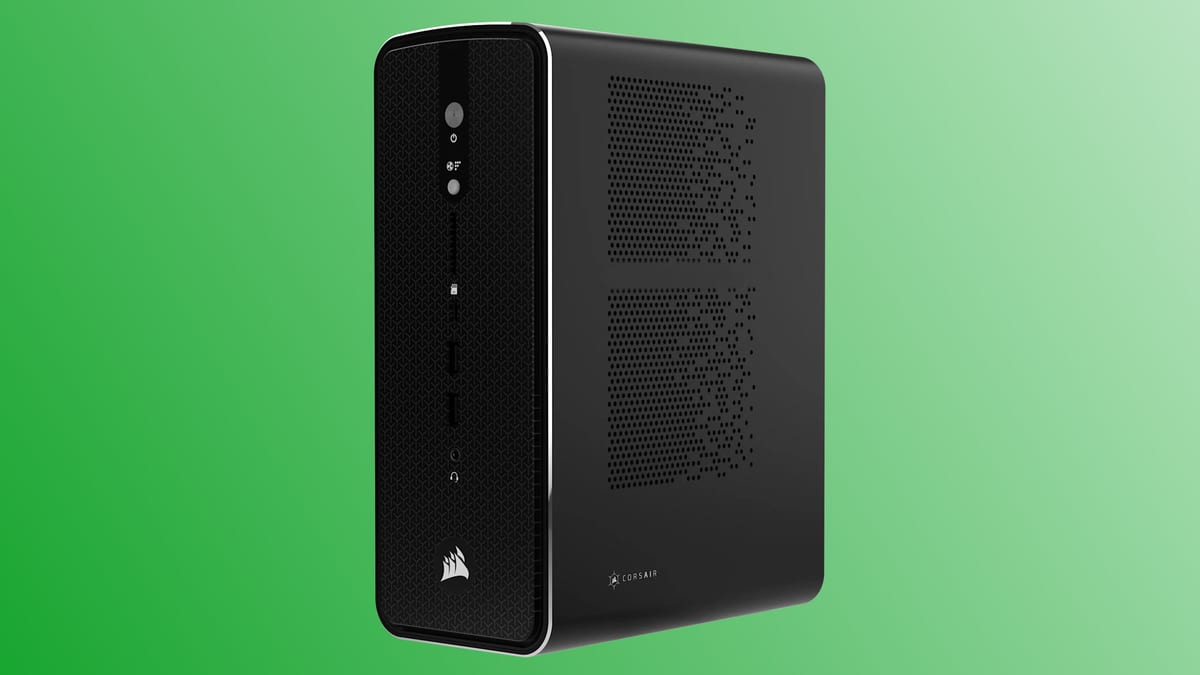
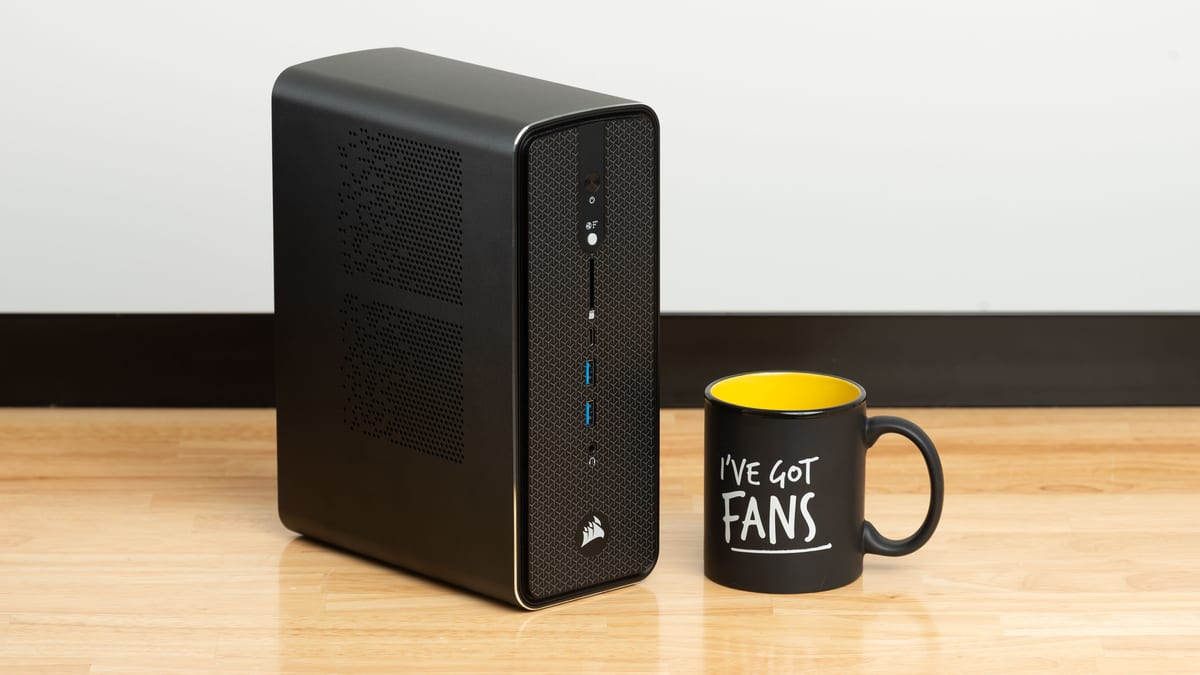
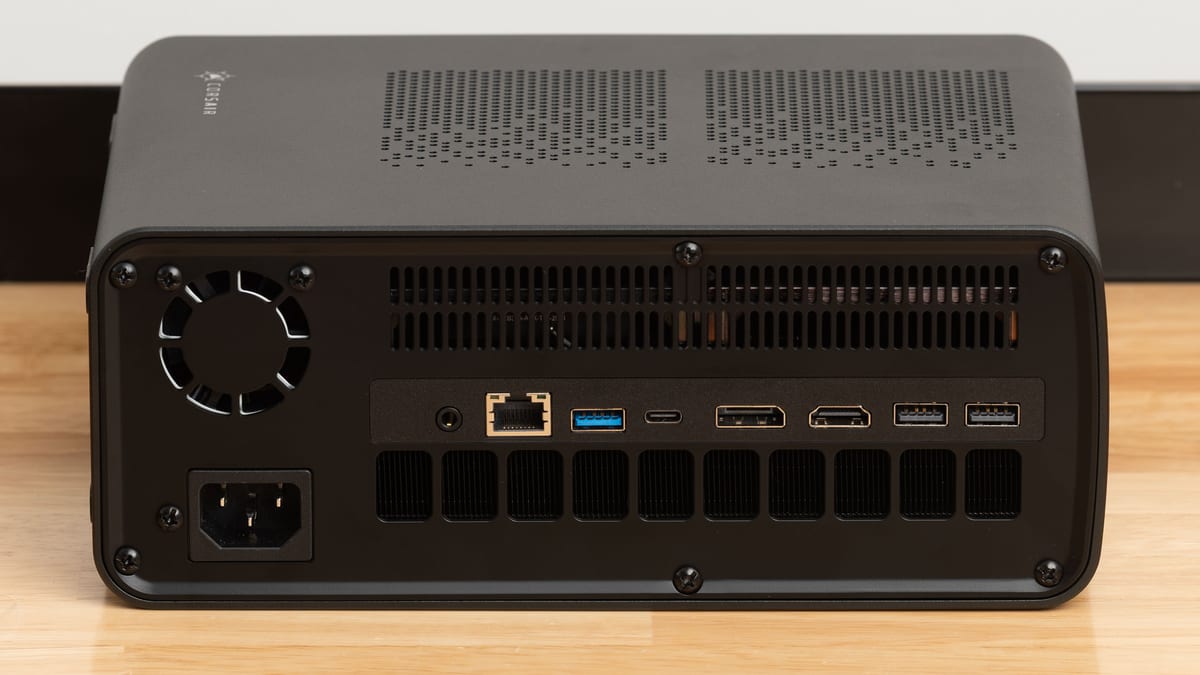
At Q4 quantization Llama-3.2-1B-Instruct needs about 2 GB of VRAM — the cheapest match in our catalog is the Corsair AI Workstation 100 (48 GB, $1,799). At Q8 plan for 3 GB, at FP16 4 GB.
How much VRAM does "Llama-3.2-1B-Instruct" need?
Llama-3.2-1B-Instruct requires roughly 2 GB at Q4 (recommended for local use), 3 GB at Q8 and 4 GB at FP16, including KV-cache headroom.
Can I run "Llama-3.2-1B-Instruct" locally on my own computer?
Yes — with the right hardware. Any workstation with at least 2 GB VRAM runs Llama-3.2-1B-Instruct locally, such as the Corsair AI Workstation 100. No cloud, no per-token bills.
Which GPU runs "Llama-3.2-1B-Instruct"?
The Radeon 8050S in the Corsair AI Workstation 100 (48 GB total) is the entry point; larger multi-GPU builds scale to 3–4 GB for Q8/FP16.
Cheap computer for Llama-3.2-1B-Instruct
The most affordable way to host Llama-3.2-1B-Instruct: a 2 GB-VRAM workstation — from $1,799 (Corsair AI Workstation 100), which typically pays for itself vs. $1–4/hr cloud GPUs.
Llama-3.2-1B-Instruct fine-tuning machine
Fine-tuning Llama-3.2-1B-Instruct needs the FP16 size — about 4 GB of VRAM (fits: Corsair AI Workstation 100, Corsair AI Workstation 200).